

subtitle

Blog

subtitle

Settings &
Management

Manage your app settings, temporary files, and system  configuration.
✨Key Features •Temporary File Manager – view and
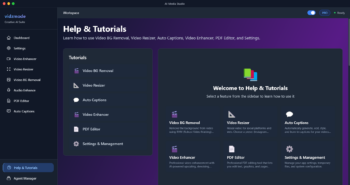
Manage your app settings, temporary files, and system  configuration.


Key Features

  • Temporary File Manager – view and delete app-created files
  • File statistics – see total files and disk usage
  • Bulk delete – remove multiple temp files at once
  • Cleanup tool – remove old files automatically
  • License management
  • Agent management
  •  

📋How to Use

  1. 1Go to “Settings” from sidebar
  2. 2View temporary files list
  3. 3Select files to delete or use cleanup
  4. 4Set cleanup days (removes files older than X days)
  5. 5Monitor disk space usage
  6. 6Manage your license if needed
  7.  

💡Pro Tips

  • 💡Temporary files are created during processing
  • 💡Cleanup helps free disk space
  • 💡Files are automatically tagged by the app
  • 💡Only app-created files are shown (safe)
  • 💡Regular cleanup recommended for large workflows
Leave A Comment